GIMP 3.0 Is Here — 5 New Features That Make It Worth the Upgrade
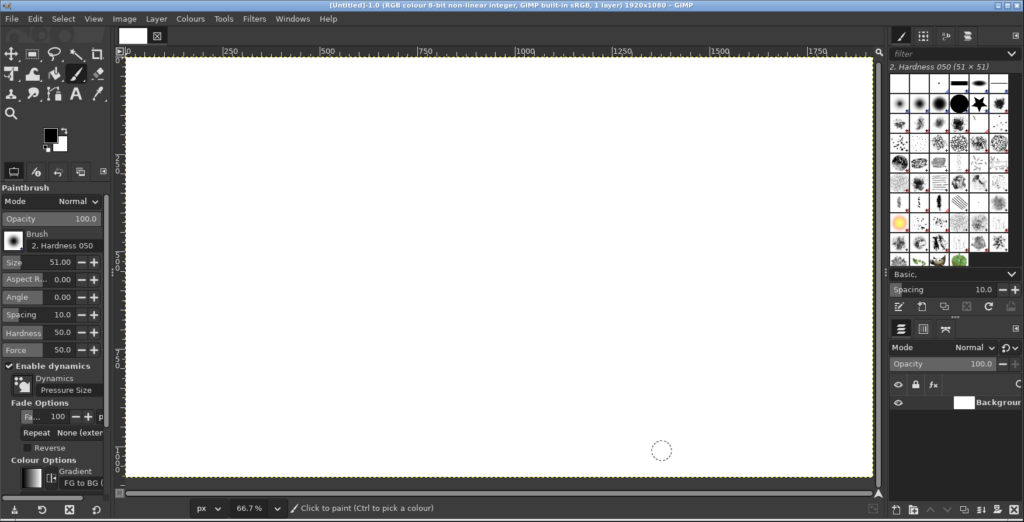
GIMP 2.10 was first released in 2018. Seven years, countless plugin updates, and three release candidates later — GIMP 3.0 is finally here.
And it was worth the wait.
This is not a minor refresh. The jump from 2.10 to 3.0 is the biggest in GIMP’s history. Under the hood it has been rebuilt on GTK3, and on the surface there are features the community has been asking for over a decade.
1. Non-Destructive Filters
This is the headline feature. In GIMP 2.x, once you applied a filter — a blur, a sharpen, a distortion — it was baked into the layer permanently. Want to tweak it? Undo and redo. Close the file and come back later? The filter is gone forever.
GIMP 3.0 changes that. Now most common filters are non-destructive. They appear as an adjustable effect on the layer, and you can modify them at any time — even after saving and reopening the file.
2. Text Tool With Built-In Effects
Adding text effects in GIMP 2.x required a multi-step workaround. Duplicate the text layer, add a stroke via the selection menu, blur the duplicate for a shadow — all manual, all destructive.
GIMP 3.0 adds proper text styling. You can now add outlines, drop shadows, bevels, and inner glows directly from the text tool options. The text remains fully editable — change the font, resize it, edit the content — and the effects update automatically.
3. Multi-Layer Selection and Transformation
Small change, massive impact: you can now select multiple layers at once. Hold Shift (or Ctrl) in the Layers panel, click several layers, and move, scale, rotate, or delete them all together. No more merging layers first.
4. A Modern Interface (GTK3)
GIMP’s old interface was functional but dated. GIMP 3.0 has been ported from GTK2 to GTK3. This means proper HiDPI support, native Wayland support, consistent theming, and modern file dialogs with thumbnails.
5. Auto-Expand Layers
In GIMP 3.0, when you paint near the edge of a layer, the layer automatically expands. In GIMP 2.x, if you painted beyond the layer boundary, the stroke was clipped. GIMP 3.0 handles it automatically.
The Bottom Line
Yes. The core image editing experience is the same GIMP you know — same tools, same shortcuts, same plugin API — but everything around it has been modernised.
Download it at gimp.org — free, no subscriptions, no account required.
Looking for other creative tools? Check out our Creative & Multimedia directory — including Krita for digital painting, Inkscape for vector graphics, and Darktable for photo management.