Krita 5.2: The Free Painting Program That Rivals Photoshop
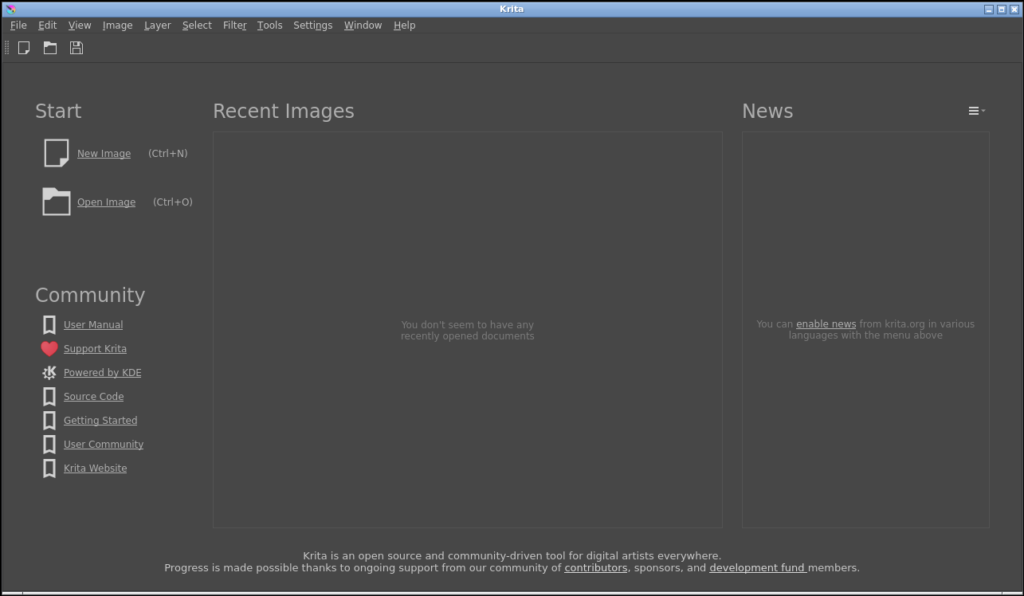
What Is Krita?
Krita is often described as the open-source answer to Corel Painter or Adobe Photoshop for digital painting. But that undersells it. Krita was built from the ground up for one thing: painting. Not photo editing, not graphic design — painting.
Version 5.2 is the most polished release yet, with brush engines that rival anything in the commercial space, a full 2D animation pipeline, and colour management that professionals actually rely on in production.
Nine Brush Engines, Each With a Purpose
Most painting programs give you a brush tool with a few sliders. Krita gives you nine distinct brush engines, each designed for a specific style of mark-making:
- Colour Smudge — Oil paint blending, wet-on-wet mixing
- Sketch — Pencil-like roughness with grain and tilt
- Pixel Art — Perfect hard edges for crisp pixel work
- Bristles — Realistic brush bristle physics
- Particle — Dispersion effects (spray, splatter, smoke)
- Filter — Apply image filters as brush strokes
- Chalk — Textured, dry media feel
- Shape — Stamp any shape as a brush tip
- Clone — Clone and heal from source images
Each engine has its own extensive settings panel. You can spend hours just exploring what the brushes can do — and many artists do.
2D Animation Built In
Krita includes a complete frame-by-frame animation workflow. Switch to the Animation workspace and you will find a timeline, onion skinning, keyframe management, and audio synchronisation. No plugins, no paid upgrade — it is all there.
Indie animators and small studios have adopted Krita specifically for this feature. It exports to GIF, MP4, PNG sequences, and even SPritesheet formats for game development.
Professional Colour Management
Krita was the first painting application to support true HDR painting with scRGB colour space. It supports OpenColorIO (OCIO), 32-bit floating-point channels, and custom colour profiles. This is the kind of colour pipeline used in VFX and animation studios — and it is available in a free, open-source application.
If you work with a wide-gamut monitor or need to output for print, film, or game engines, Krita handles it natively.
Wrap-Around Mode for Seamless Textures
Game artists and texture designers love this feature: enable Wrap-Around Mode (View → Wrap Around Mode) and the canvas tiles itself in the viewport. You can paint seamless textures that tile perfectly — critical for 3D game assets, environment art, and material design.
Who Is Krita For?
- Illustrators and concept artists who need professional brush engines
- Comic and manga creators who need page management and screen tones
- 2D animators who want a free, full-featured animation tool
- Texture artists and game developers creating game assets
- Anyone learning digital painting who does not want to pay for Photoshop
The Bottom Line
Krita is proof that open-source software can compete with — and in some areas surpass — commercial alternatives. It has a steep learning curve if you are new to digital painting, but the community documentation is excellent and the software rewards the time you invest.
Download it at krita.org — it is completely free, no subscriptions, no paywalls.
Looking for other creative tools? Check out our Creative & Multimedia directory — including Kdenlive for video editing, Inkscape for vector graphics, and GIMP for image manipulation.