Chromium
- Platform
- Windows macOS Linux
- Licence
- BSD-3-Clause Open source
- Website
- chromium.org/
- Source code
- chromium.googlesource.com/chromium/src
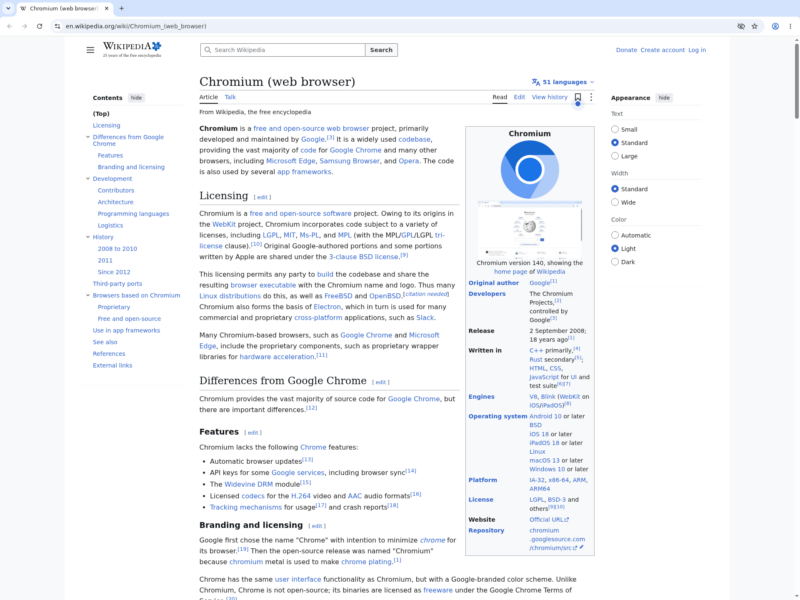
Chromium is the open-source browser project that Google publishes Chrome from, and the codebase that Edge, Brave, Opera, Vivaldi and most other non-Firefox browsers are built on. The project describes itself as “an open-source browser project that aims to build a safer, faster, and more stable way for all Internet users to experience the web”, and that is the honest description of what the upstream build is: the engine, the security architecture and the developer tools, without the product layer of accounts, sync and bundled services that a commercial browser adds on top.
What it is
- A rendering engine and a browser in one tree — Blink for layout, V8 for JavaScript, Skia for graphics, all developed in the open at
chromium.googlesource.com/chromium/srcwith a public GitHub mirror for browsing and patches. - Multi-process sandboxing — pages run in separate renderer processes held behind an OS-level sandbox, with site isolation keeping different origins out of each other’s process, which is the architecture every Chromium derivative inherits.
- Developer tools built in — the DevTools front end ships with the browser: element inspection, network and performance panels, the JavaScript debugger, and the remote debugging protocol that automation tools drive.
- Broad web-platform support — because it is the engine of record for the largest desktop browser, new web APIs tend to arrive here early and sites are tested against it first.
- Open development process — design documents, architecture overviews, code review and bug tracking are public, and releases follow a published milestone calendar on a roughly four-week cadence; the current stable milestone is 157 (157.0.8103.78 at the time of writing).
What the plain build leaves out
The upstream build is deliberately unfinished as a consumer product, and packagers fill the gaps differently — which is why two “Chromium” packages can behave very differently:
- No auto-update. The project states plainly that Chromium builds do not auto-update, so security fixes only arrive when whoever packaged your copy rebuilds it. Distribution packages, Snap and Flatpak builds add their own update path.
- No Google API keys by default. Without them, signing in to sync, and installing extensions from the Chrome Web Store, are unavailable; Chrome Web Store installs are typically blocked in vanilla builds.
- No proprietary media stack. H.264/AAC playback and Widevine DRM depend on the packager — Debian’s package, for instance, ships free codecs only, so some streaming services will not play.
Who it suits
Chromium is the right choice for people who want the engine without the product: developers testing against the platform, users on distributions that ship it as the default browser, and anyone who prefers a browser that makes no network calls of its own beyond the pages visited. It is not the easiest way to get a Chromium-based browser on Windows or macOS, where the project publishes continuous snapshot builds rather than a supported installer and most people end up on Chrome, Edge or a derivative such as ungoogled-chromium. Nor is it the browser to pick for streaming DRM video unless your packager enables Widevine.
Releases and requirements
Chromium builds and runs on Windows, macOS and Linux, and the Android port lives in the same source tree without an official binary distribution. There is no vendor installer: on Linux the practical routes are the distribution’s own package, the Snap or Flatpak build, or the project’s snapshot archives, while the download page points Windows and macOS users at “Chrome for Testing” builds, which are version-pinned and carry no auto-update or debug symbols. Building from source is supported on all three desktop platforms through the project’s depot_tools checkout and GNOME/Chromium build instructions. Code is under the BSD 3-Clause licence, with third-party components under their own compatible licences.
Alternatives
- Mozilla Firefox — the independent engine, Gecko, with its own add-on ecosystem.
- Brave Browser — Chromium with ad and tracker blocking and its own update channel.
- LibreWolf — Firefox hardened for privacy, for people who want the other engine without telemetry.
- Min Browser — a minimal Electron browser, Chromium-based but far simpler.
- Zen Browser — Firefox-based with a vertical tab sidebar, if the Chromium interface is what you want to get away from.