Overleaf
- Platform
- Web Docker Linux
- Licence
- AGPL-3.0 Open source
- Website
- overleaf.com/
- Source code
- github.com/overleaf/overleaf
Overleaf is an open-source, browser-based LaTeX editor built for collaborative technical writing. Authors write LaTeX in an editor pane with a live PDF preview beside it, and the document is compiled on the server — nothing to install on the writer’s machine, no TeX distribution to keep current. Because the source is real LaTeX, the result is a publication-grade PDF with proper equations, bibliography and cross-references, which is why Overleaf is the default writing environment for academic papers, theses and technical reports. The hosted service at overleaf.com is commercial; the same application is published as Overleaf Community Edition, which anyone can self-host with the Overleaf Toolkit.
Key Features
- Real-time collaborative editing — Several authors edit one project at once with cursors and selections shown per collaborator, the way a shared document editor works but on LaTeX source
- Live PDF preview — The project compiles on the server and the PDF refreshes next to the source, with error logs pointing at the offending line
- Full TeX Live — The container image ships TeX Live, so packages, fonts and bibliography tools are available without a local install
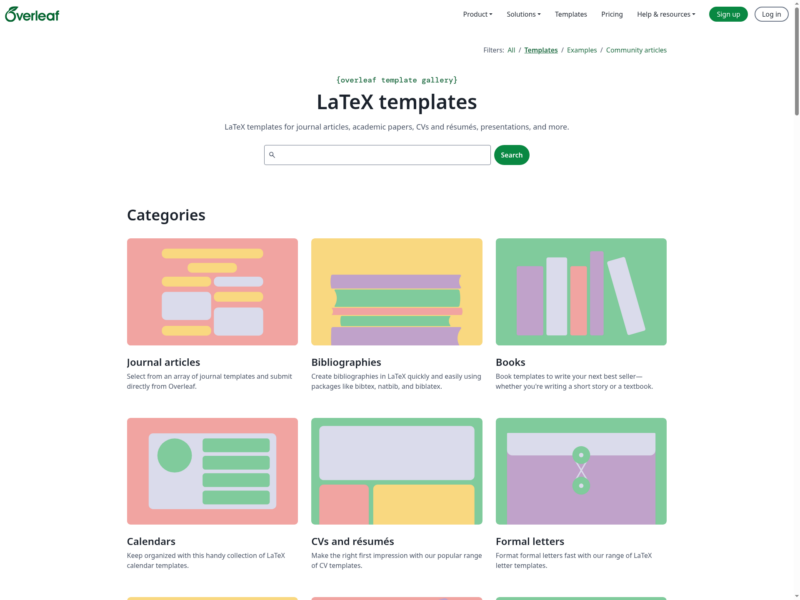
- Template gallery — Thousands of community templates for journal articles, theses, CVs, presentations and letters, each a ready-to-edit project
- Project history — Labelled versions of a project, so a draft can be rolled back or compared against an earlier state
- Self-hosting with Docker — The Overleaf Toolkit deploys Community Edition as a Docker Compose stack on your own server, with your data and projects staying on your infrastructure
- Server Pro tier — The commercial on-premises edition adds LDAP and SAML single sign-on, administrative controls, tracked changes and sandboxed compiles
Why Use Overleaf?
LaTeX produces the best typeset mathematics and bibliography-heavy documents, and its usual weakness is the toolchain: a full TeX install, an editor configured for it, and a shared folder or git repository to collaborate through. Overleaf removes that setup from the equation — a project is a URL, the compiler runs on the server and collaborators need only a browser. Self-hosting Community Edition keeps the convenience while keeping unpublished research on your own hardware, which matters for institutions that cannot put drafts on a third-party service.
Caveats
Community Edition is documented as suitable only where all users are trusted: without sandboxed compiles, a LaTeX document can execute code with read and write access to the compile container’s filesystem, network and environment variables. Multi-tenant or public-facing deployments are the case for Server Pro’s sandboxed compiles, or for running CE behind strict access control. Tracked changes and SSO are also Server Pro features rather than Community Edition ones.
Use Cases
- Academic papers and theses — Journal templates with correct class files, plus supervisor comments on the same source
- Internal technical documentation — Self-hosted projects for specifications and reports that must stay on-premises
- CVs and grant applications — Template-driven documents that need consistent typography and a version history
- Teaching — One link gives a class a working LaTeX environment with no per-student install
Licence
AGPL-3.0 for the Community Edition source in the overleaf/overleaf repository. The AGPL’s network clause applies: if you modify the code and let other people use it over a network, you must offer them the modified source. The hosted overleaf.com service and Server Pro are commercial products with their own terms.
Alternatives
- Etherpad — real-time collaborative plain-text editing without LaTeX, for notes and meeting minutes rather than typeset documents
- ONLYOFFICE — a self-hosted office suite with collaborative Word, Excel and PowerPoint editing when the output needs to be .docx rather than PDF
- Collabora Online — LibreOffice-based collaborative editing in the browser, the other mainstream open office alternative