Neko
- Platform
- Docker Linux Web
- Licence
- Apache-2.0 Open source
- Website
- neko.m1k1o.net/
- Source code
- github.com/m1k1o/neko
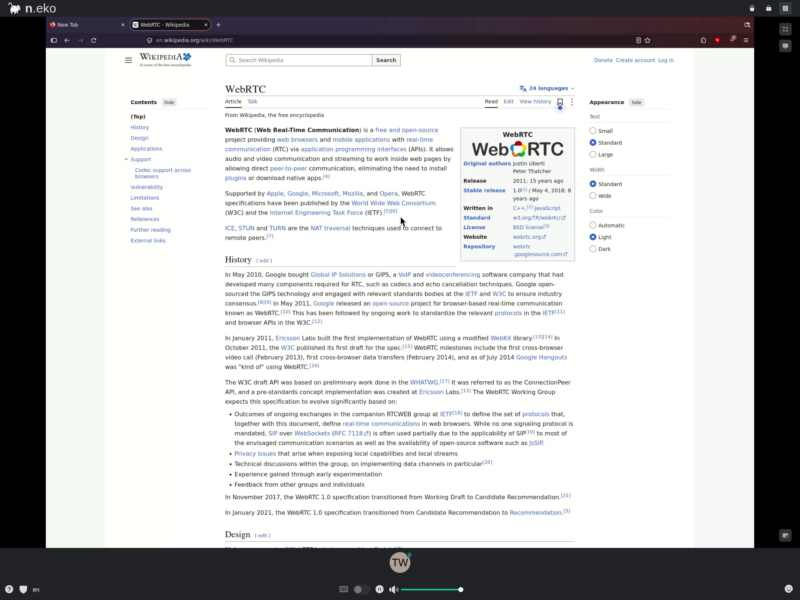
Neko is a self-hosted virtual browser: it runs a full Linux desktop inside a Docker container and streams it to one or more people through an ordinary web browser using WebRTC. A room has an address, a password and a live desktop behind it, so a group can browse together, watch a video in sync, or pass control of the same session around without anyone installing a client or exposing their own machine. The project started as a fork of the archived nurdism/neko and is now maintained by m1k1o.
How it works
A container starts an X server, a window manager and whichever browser or application the image was built for. The screen is captured and encoded with GStreamer, sent over WebRTC to every connected participant, and their keyboard and mouse input is injected back into the virtual desktop. WebRTC’s congestion control keeps the video usable on a poor link, and audio from the virtual desktop travels in the same peer connection.
The session is not a shared screenshot. Everyone’s input lands in the same X server, so turns are handed out explicitly: an administrator grants control to one person at a time, everybody else watches, and control can be released or taken back at any point. Chat and emoji reactions sit next to the stream, which is what makes the watch-party and presentation cases work.
What you can run
Published images cover browsers (Firefox as the most tested, plus Chromium, Tor Browser, Waterfox, Brave, Vivaldi, Opera, Edge, Google Chrome and ungoogled-chromium), full desktops (XFCE, KDE) and single applications such as VLC and Remmina; the community collection in m1k1o/neko-apps adds more. Any Linux application can be baked into an image, and Neko does not have to run in a container at all – it can drive an existing X server or a whole VM.
What people use it for
- Watch parties – synchronized video with chat and reactions, the case the project was written for.
- Interactive presentations and co-browsing – the audience drives the screen instead of watching a static share.
- Throwaway or persistent browser – cookies and history stay in the container, never on the viewer’s machine, which also makes it a reasonable host for Tor Browser plus a VPN.
- Support, teaching and debugging – a controlled environment where the other person can take over.
- Session recording and broadcasting – the room can push to RTMP, so a tutorial can be recorded from a clean desktop without hiding bookmarks.
Deployment
The usual install is the project’s docker-compose.yaml: one container, port 8080 for the web client and a UDP range for WebRTC (52000-52100 by default) that clients must be able to reach, with NAT and reverse-proxy notes in the documentation. The virtual screen is set at start with NEKO_DESKTOP_SCREEN and can be changed later from the admin interface.
Encoding is the cost. The project’s own guidance is four cores and 3 GB of RAM for 1280×720 at 30 fps, six cores or more for comfortable use, so a small VPS will run it but not pleasantly. For a multi-room deployment, neko-rooms adds a control panel that creates and destroys rooms on demand, and offers a scripted HTTPS install.
Compared with Guacamole and noVNC
Apache Guacamole and noVNC with websockify are clientless remote desktop gateways: excellent for reaching a machine you already administer, but the screen travels as images over WebSockets, audio is not part of the deal, and several people cannot drive one session. Neko inverts the priority – smooth video, audio, and multi-participant control over a desktop that only exists for the room. For administering servers over SSH, VNC or RDP, Apache Guacamole remains the better tool; for watching something together, it is the wrong one.
Requirements and caveats
The browser images are large – the Firefox image pulls around 1.4 GB – and the container needs shared memory (the compose file asks for 2 GB of /dev/shm) or the browser tabs start crashing. Clients must be able to reach the WebRTC UDP range, which is the most common reason a room connects but shows a black screen. Version 3 is a rewrite of the older releases, so setup instructions written for v2 do not apply line for line.