JPEG XL vs AVIF: What the 2026 Benchmarks Actually Say for the Web
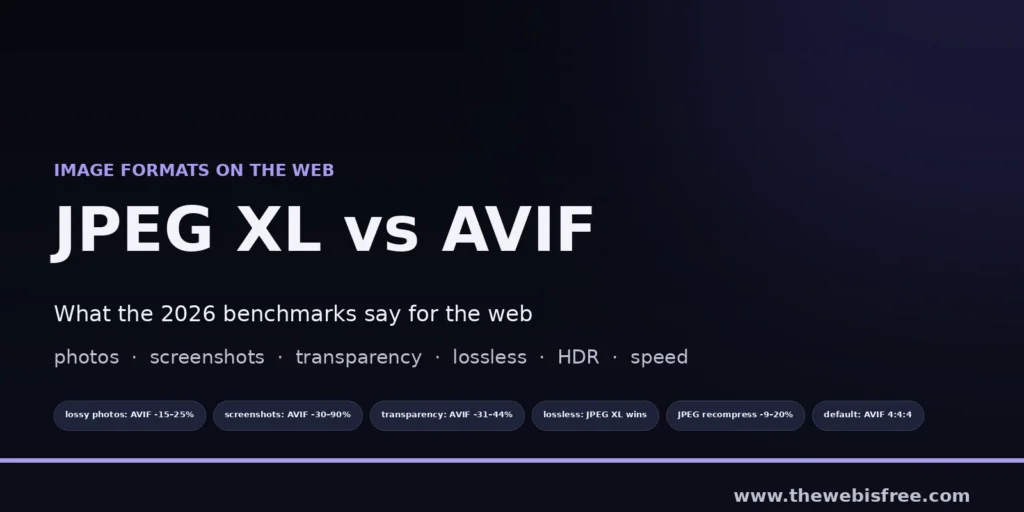
JPEG XL has now landed in every major browser, which changes a question that has been theoretical for years: given a free choice, which image format should a website actually ship? Jake Archibald’s October 2026 benchmark write-up is the most careful public answer so far — it measures lossy photos, screenshots, transparency, lossless, HDR and encode/decode cost across libjxl, jixel and AVIF, and the result is not the one the format’s advocates tend to expect.
The short version: for almost everything a website publishes, AVIF wins. JPEG XL still has two clear jobs, and one of them is genuinely valuable. Here is the detail that matters, with the numbers taken from the article rather than from memory.
For lossy photos, AVIF is smaller
For lossy photographs, AVIF almost always produces the smaller file. At default effort settings the best JPEG XL encode is typically 15–25% larger than the equivalent AVIF; at maximum effort the gap narrows to 6–20%. There are outliers where JPEG XL is close to or even beats AVIF, which is the honest argument for trying both when a particular hero image ends up unusually large — but as a default, the ranking is not close.
Within the JPEG XL ecosystem, the encoder matters too: jixel, the newer encoder, usually produces smaller files than libjxl, except on images with detailed transparency. The article also flags cases where jixel appears to game the quality metric while visibly producing the worse image, which is a useful reminder that a single SSIM-style number is not a verdict.
For screenshots and illustrations, the gap widens
This is the case that matters most for documentation sites and directories like this one. On screenshots and illustrations, AVIF is much better: the equivalent JPEG XL file is 30–90% larger at default effort and 20–70% larger at maximum effort. Lossy AVIF handles UI screenshots well enough that you rarely need a lossless format for them at all — unless you need bit-exact output.
Transparency is worse still for JPEG XL. The libjxl version is 31–44% larger at default effort and 61–70% larger at maximum effort, because jixel always encodes transparency losslessly, which pushes its files to two or three times the size of AVIF’s.
The speed story is more balanced than either camp claims
AVIF is generally faster to encode and uses less memory once file size is taken into account. jixel is faster than AVIF and uses less memory per run, but its files are typically much larger, so the balance still favours AVIF. Decode is the one place JPEG XL has a real edge in specific conditions: it typically takes 2–3× as long to decode at medium quality, but the gap narrows at very high qualities, where Chrome can sometimes decode JPEG XL faster than AVIF.
On effort settings, the practical advice is narrow: higher effort is worth it for AVIF and for jixel, but not for libjxl. libjxl’s higher efforts are much slower, use far more memory, and barely improve the result — sometimes producing larger files than the default effort.
Two settings worth fixing today
If you encode AVIF, stop defaulting to 4:2:0. The half-colour-resolution mode rarely reduces file size and makes higher qualities harder to reach; it is faster to encode and decode, but 4:4:4 is the better default unless you have measured otherwise. And quality settings, reassuringly, behave consistently across all three encoders — a single quality value varies a little between images, but every encoder moves in the same direction.
Where JPEG XL still wins
- Recompressing existing JPEGs. JPEG XL can make an existing JPEG 9–20% smaller with no further loss, and is as fast or faster to decode afterwards, except for small images. For an archive of legacy photos this is free bandwidth.
- Lossless. JPEG XL is the clear winner: lossless WebP is 9–17% larger for photos and lossless AVIF is 30–120% larger. Lossless images are almost never what you want on the web, but when you do need them, JPEG XL is the right tool — with one caveat, that jixel’s higher efforts often produce files too slow to decode.
- Progressive previews. jixel’s progressive JPEG XL previews cost little or nothing at its slowest setting — though at the default setting the files come out about 12% bigger. Firefox and Chrome display progressive previews; Safari renders the final image but skips the previews.
The HDR caveat
For HDR, JPEG XL is at a real disadvantage: the format supports gain maps, but browser decoders do not, and the encoding story around them is experimental. That makes gain-mapped HDR effectively an AVIF-only workflow for the web today. For HDR content without gain maps the two quality metrics used in the article disagree sharply, though both agree JPEG XL produces the smaller file.
What to actually ship
The conclusion is refreshingly concrete: default to AVIF at 4:4:4, at the highest effort level you can tolerate, and only reach for JPEG XL via jixel when a particular AVIF file comes out unusually large and you want to see whether it does better. Both encoders have improved substantially in the last year, so that recommendation is worth re-testing rather than treating as permanent.
Test with your own images, too. The article is blunt about why: there has been a lot of misinformation around these formats, and an AI assistant asked about them will produce that misinformation confidently and fluently. Benchmarks on your own library beat a summary of someone else’s.
Doing it locally
Both AVIF and JPEG XL encoding are available in open source tooling, so none of this requires a paid service. Squoosh gives you a browser-based comparison of the two across quality settings, and GIMP handles the editing side before you export. If you would rather script it, the encoders themselves are packaged in every major distribution — the only thing worth changing is your default effort and chroma settings.
We track the open source tools that do this work in the full directory. If there is an image tool we are missing, submit it and we will take a look.
Source: JPEG XL vs AVIF for web use-cases, Jake Archibald, 2026. All percentages above are quoted from that article; the recommendations are its author’s, not ours.