Photopea
- Platform
- Linux Windows macOS iOS Android Web
- Licence
- Proprietary (free to use) Freeware
- Website
- photopea.com/
- Source code
- github.com/photopea/photopea
Overview
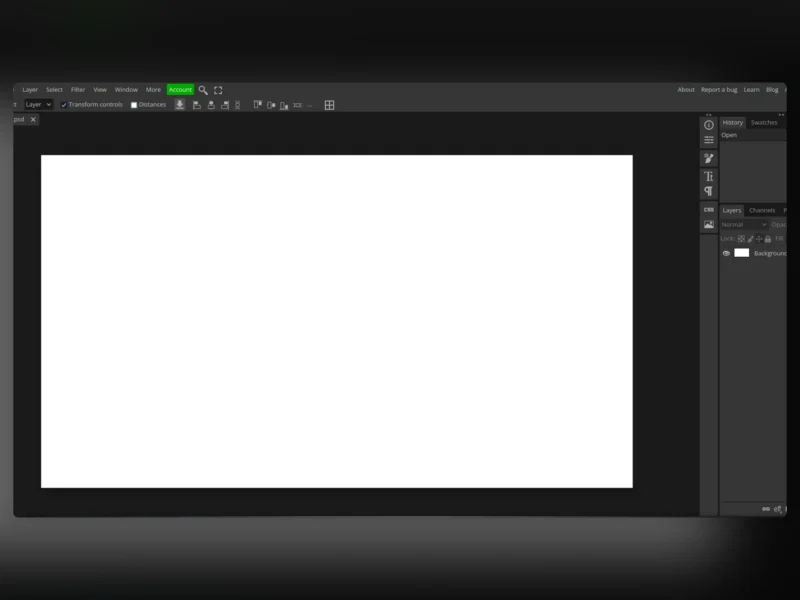
Photopea is a free, browser-based image editor that opens and edits Adobe Photoshop (PSD), Illustrator (AI), Sketch, XD, XCF, PDF and the usual raster and vector formats — with layers, masks, filters, blending modes and a Photoshop-like interface. It was created and is maintained by a single developer, Ivan Kutskir.
Key Features
- Photoshop-style workflow — a layer-based editor with layers, masks, adjustment layers, blend modes, filters and smart objects.
- Opens native design files — PSD, AI, Sketch, XD and XCF, plus PDF, SVG, PNG, JPEG, GIF and WebP.
- Runs in the browser — no installation and no account required; works on any desktop OS, tablet or phone.
- Largely client-side processing — the editor runs in the browser and does not need server-side rendering for ordinary work.
- Scripting — a built-in scripting API for automating repetitive tasks.
- Free, ad-supported — the editor itself costs nothing, funded by advertising, with paid API and self-host options aimed at businesses.
Why Use Photopea?
If you need to open a PSD or do layered image editing on a machine where you cannot install software — a locked-down work laptop, a Chromebook, someone else’s computer — Photopea is the fastest route: open a tab and start editing. It is free, needs no account, and its interface will feel immediately familiar to anyone who has used Photoshop.
What to know before you rely on it (proprietary)
Photopea is not open source. It is closed-source, proprietary software: the source code is not available to inspect, modify or self-host under a free licence, and its creator has stated plainly that it will not be open-sourced. A commercial self-hosted package exists but is priced for businesses (from roughly US$500/month). Because it is a hosted web service, you also depend on the developer and on photopea.com remaining available. If open source or self-hosting matters to you, use a free-software editor instead:
- GIMP — the long-established free and open-source image editor, the closest open alternative for photo retouching and composition.
- Krita — a free, open-source painting and illustration application, excellent for digital art.
- Inkscape — a free, open-source vector editor and the open alternative to Illustrator.
Licence
Proprietary — closed-source, free to use. Not open source.