OpenSpeedTest
- Platform
- Web Docker Linux macOS Windows Android iOS
- Licence
- MIT Open source
- Website
- openspeedtest.com
- Source code
- github.com/openspeedtest/Speed-Test
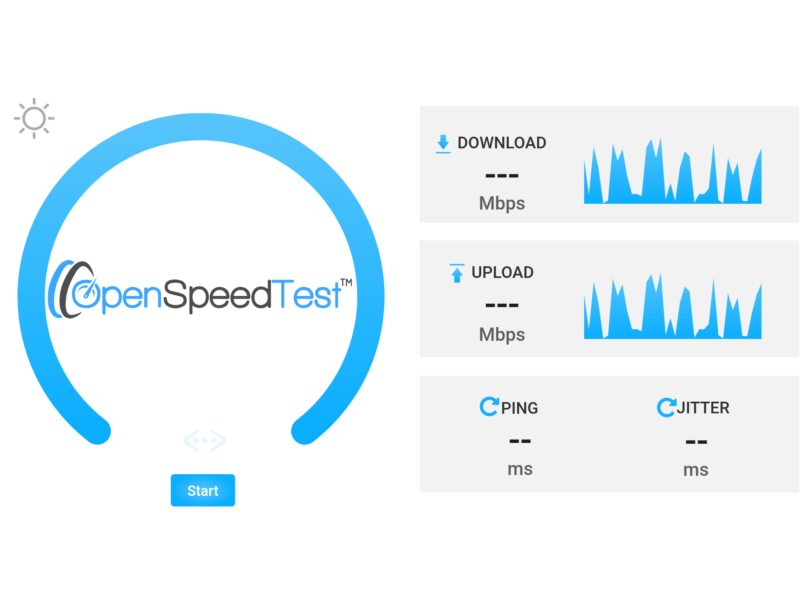
OpenSpeedTest is a browser-based network throughput test that you host yourself: a set of static HTML, CSS and JavaScript files that measure download speed, upload speed, ping and jitter between any browser and your own server. Nothing is installed on the client device and no third-party service sits in the middle of the measurement, so the numbers describe your own link rather than a vendor’s edge network.
How the measurement works
The page moves bulk data with XMLHttpRequest against the very web server that served it. The same files answer the download and the upload side of the test, so a single static vhost is the whole backend.
- Download and upload throughput, reported in Mbps
- Ping and jitter in milliseconds
- Scales to 10 GbE and beyond, provided the host’s NIC keeps up
- Speaks HTTP/1.1, HTTP/2 and HTTP/3; HTTP/1.1 typically gives the highest throughput
Static files, very little to attack
There is no PHP, no database and no framework to patch. The test script is vanilla JavaScript under 8 kB gzipped, the interface is drawn in SVG so it scales to any display size, and the client only needs a browser of IE10 vintage or newer. That makes it practical on an isolated management network where you cannot install agents.
Running your own test server
Any web server that understands HTTP/1.1 will do — Nginx, Apache, IIS or Express. It needs to answer GET, POST, HEAD and OPTIONS with 200, accept POSTs to static files, allow a request body of about 35 MB (client_max_body_size), keep a timeout longer than 60 seconds, and ideally have access logging disabled so disk I/O does not distort the result. Behind a reverse proxy the same body limit has to be raised there too. Prebuilt server applications are published for Windows, macOS, Linux, Android and iOS, alongside a Docker image, a Helm chart, a Snap and a Microsoft Store build.
Automation and stress testing
URL keywords cover unattended runs: ?Run starts a test on load, ?Run=10 waits ten seconds first, and ?Stress=Low — or Medium, High, VeryHigh, Extreme, Day, Year, or a plain number of seconds — keeps the test running continuously. A list of servers can be declared in the page so the client automatically picks the one with the least latency, and setting saveData posts each result set to an endpoint of your own for record keeping.
What it does not tell you
It measures throughput between one browser and one server, not the shape of the wider internet path, and it does not measure packet loss — the same project publishes a separate OpenPacketLoss tool for that. A test against a host on the same LAN reports the LAN’s ceiling rather than your ISP’s, and the result is only as good as the server’s uplink and the client’s Wi-Fi.
Related tools in the directory
- Netdata — real-time system and network dashboards for the same hosts
- Uptime Kuma — self-hosted availability monitoring
- LibreSpeed — another self-hosted HTML5 speed test (not yet listed here)