The Lounge
- Platform
- Web Docker
- Licence
- MIT Open source
- Website
- thelounge.chat
- Source code
- github.com/thelounge/thelounge
The Lounge is a web IRC client you host yourself. It runs as a Node.js server that stays connected to your IRC networks around the clock, and you read and write through a browser tab — desktop, phone or tablet — picking up the conversation where you left it. Because the server holds the connection, closing the laptop does not drop you from the channel and does not lose the messages posted while you were away: it behaves like the bouncer you would otherwise have to set up separately, without a second client to keep in sync.
What you get
- Always connected — the server keeps the IRC sessions open while you are offline, so history and mentions are waiting when you reconnect from any device.
- A modern client for an old protocol — push notifications, link previews, inline image and media previews, new-message markers, unread indicators and per-nickname colours on top of plain IRC.
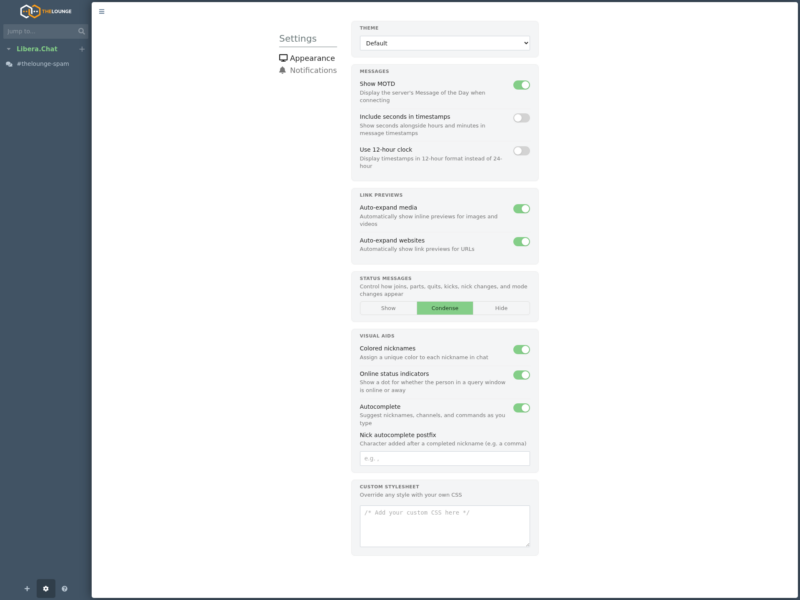
- Responsive, themeable interface — a two- or three-pane layout that collapses sensibly on a phone, with the default dark theme plus a light “Morning” theme and a custom CSS box for the rest.
- Multi-user server — one install can host several people, each with their own account, networks and settings, with an admin command set for managing users from inside the client.
- Small operational footprint — a single Node process plus a JSON-backed user store; no external database to run.
- Message history and search — the client keeps what it has seen and lets you scroll back and search the loaded history.
Deployment
The Lounge is distributed on npm and as a Docker image. The npm route installs it globally and stores its configuration in ~/.thelounge:
npm install -g thelounge
thelounge start
Docker users run the official thelounge/thelounge image with a volume for the config directory and port 9000 published; the docs include a reverse-proxy recipe for nginx, Caddy and Apache with WebSocket upgrade headers, plus an optional private mode that hides the network and channel configuration from the browser. Because the IRC connection lives on the server, the host needs outbound access to the IRC networks on their usual ports (6667/6697) — a network that blocks them will connect from nowhere.
What it is not
The Lounge speaks IRC and only IRC: it is not a Matrix, XMPP or Slack gateway, and it does not bring in a bridge by itself. It also does not replace an IRC server — you still need a network to connect to, whether that is Libera.Chat, your own Ergo or InspIRCd, or a community server. And while the web UI is mobile-friendly, it is a web app: there is no native phone client, which is exactly why the always-connected server matters.
Alternatives
- Rocket.Chat — a self-hosted team chat with its own protocol, channels and apps, if you do not need IRC.
- Zulip — threaded team chat with a strong topic model and email integration.