Inkscape 1.4: The Free Vector Graphics Editor That Rivals Illustrator
What Is Inkscape?
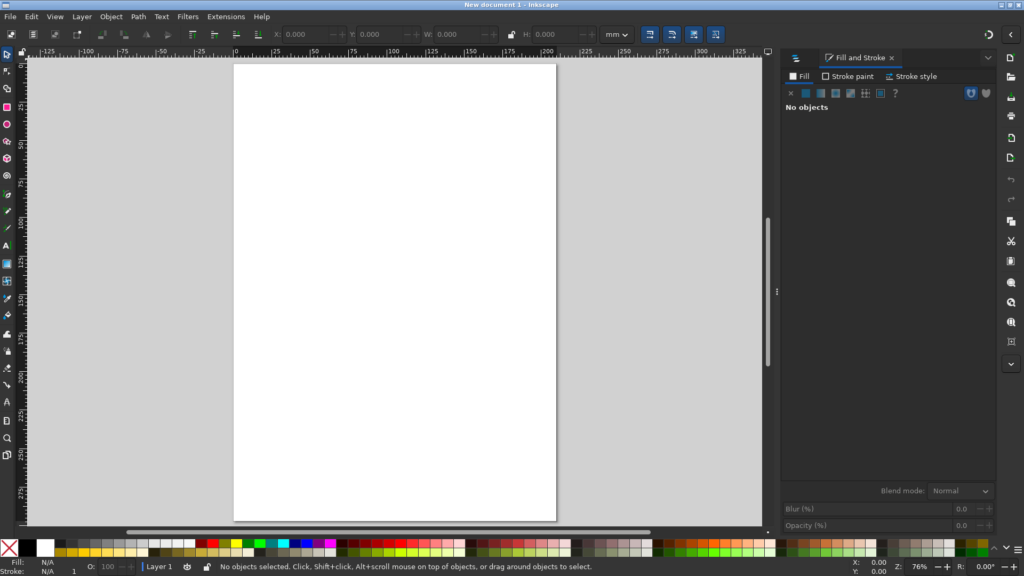
Inkscape is the leading free and open-source vector graphics editor. It has been in active development for over 20 years and serves as the primary open-source alternative to Adobe Illustrator and CorelDRAW.
Version 1.4, released in October 2024, introduced a filter gallery with non-destructive stacked filters, a modular measurement tool, font collections, and a redesigned grid system. But even before that, Inkscape was already a capable professional tool used by designers, illustrators, and UI/UX creators worldwide.
Native SVG — Your Files Are Future-Proof
Unlike proprietary editors that save to closed binary formats, Inkscape uses SVG (Scalable Vector Graphics) as its native format. SVG is an open W3C standard. Your files are human-readable XML, web-ready without exporting, and will never be locked into a discontinued format. This alone is a compelling reason to choose Inkscape over its proprietary competitors.
Professional Vector Tools
Inkscape offers a complete vector editing toolset that rivals anything in the commercial space:
- Pen and Pencil tools for freehand and precise Bezier curve drawing
- Shape tools for rectangles, ellipses, stars, polygons, spirals, and 3D boxes
- Path operations — union, difference, intersection, exclusion, and division for complex shape building
- Live Path Effects (LPEs) — over 50 non-destructive effects you can apply, tweak, and remove at any time
- Powerful text tools with kerning, tracking, text-on-path, and flowing text
Trace Bitmap — Turn Raster into Vector
One of Inkscape’s standout features is Trace Bitmap. Import a logo or sketch as a PNG or JPEG, and Inkscape automatically traces it into clean, scalable vector paths. The result can be edited node-by-node. This is invaluable for logo restoration, converting old artwork, or digitising hand-drawn sketches.
Filter Gallery (New in 1.4)
Version 1.4 introduced a filter gallery that lets you stack multiple non-destructive filters on any object — drop shadows, glows, textures, bevels, and more. Apply a neon glow, add a rust texture, and tweak both independently. It brings Inkscape’s filter capabilities closer to what you would expect from a modern vector editor.
Who Is Inkscape For?
- Graphic designers creating logos, icons, and illustrations
- UI/UX designers building wireframes and mockups with precise alignment tools
- Hobbyists and small businesses making their own flyers, banners, and web graphics
- Students and educators learning vector design without the Adobe subscription
The Bottom Line
Inkscape has matured into a professional-grade vector editor that stands on its own merits — not just as a free alternative, but as a capable tool in its own right. The combination of native SVG, powerful path effects, and an active development community makes it a smart choice for anyone working with vector graphics.
Download it at inkscape.org — it is completely free, no subscriptions, no paywalls.
Looking for more creative tools? Browse our Creative & Multimedia directory for GIMP, Krita, Blender, and more free creative software.