Paperless-ngx vs Docspell vs Mayan EDMS — Best Open Source Document Management Compared
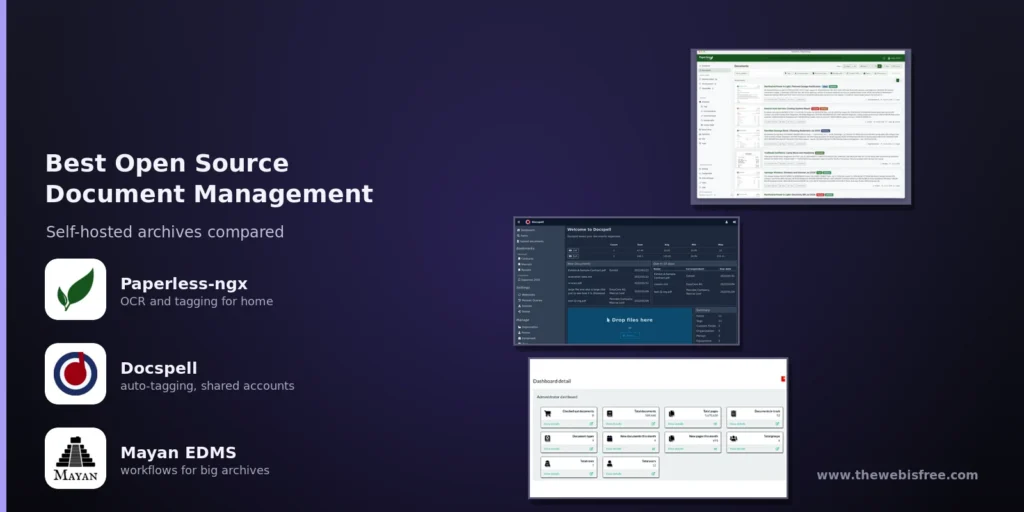
Paper accumulates. Receipts, warranties, contracts, invoices and tax returns arrive as scans, e-mail attachments and phone photos, and every one must stay findable for years. Self-hosting a document management system (DMS) keeps that archive on your own hardware. Three open source projects dominate the space, and they suit different users: Paperless-ngx, Docspell and Mayan EDMS.
Paperless-ngx — The Community Standard
Paperless-ngx is the community-supported successor to the original Paperless and Paperless-ng projects, and the de facto standard for personal and small-office archiving. Written in Python under GPL-3.0, it has over 46,000 stars on GitHub. You can find it in our Paperless-ngx directory listing.
- OCR with Tesseract — searchable text for scans in 100+ languages.
- Machine-learning classification — suggests tags, correspondents and document types from your existing archive.
- Full-text search — autocomplete, relevance ranking, highlighted matches and a “More like this” search.
- Long-term storage — PDF/A copies beside the untouched originals, plain on disk with configurable filenames.
- Permissions, workflows and versioning — global and per-document access control, an automation workflow engine, and multiple file versions per record.
Installation is Docker-first and the footprint suits a NAS or Raspberry-Pi-class box.
Docspell — Automatic Tagging and Shared Accounts
Docspell is the smallest and most opinionated of the three: a Scala back end with an Elm front end, licensed AGPL-3.0, living at docspell.org. It is built around the collective — one account holding several users who share the same documents but keep their own logins — which makes it unusually good for families and tiny teams. Its other defining feature is aggressive automation: an address book and classifier fill in metadata as soon as a document lands, so filing means confirming guesses rather than typing.
- Collective multi-user — several users share one document store, each with personal preferences.
- OCR with Tesseract — text extracted from every file and indexed for search.
- Machine-learning tagging — the classifier and address book annotate incoming documents and improve with use.
- Mail ingestion — IMAP accounts polled on a schedule, optionally moved or deleted after import.
- Wide format support — ZIP and EML files unpacked automatically; everything converted to a searchable PDF, originals preserved.
- Notifications and sending — e-mail, Matrix or Gotify alerts, plus outbound sharing through your own SMTP server.
Deployment is a single docker-compose file with a watch folder for drop-in imports.
Mayan EDMS — Document Management for Organisations
Mayan EDMS is a different class of software: a full electronic document management system rather than a personal filing cabinet. Written in Python on Django and licensed GPL-2.0, it is documented at mayan-edms.com. Its reference users are governments, universities and enterprises — Airbus, Carnegie Mellon, the State of California — and the feature set reflects that: scale, auditability and formal records management.
- Document versioning — every change retained as a new version with a full history.
- Workflows — multi-step review and approval processes with defined states.
- Fine-grained permissions — role-based access control down to individual documents and metadata.
- Previews and OCR — automatic page previews and text extraction keep scanned content searchable.
- Metadata and linking — automatic metadata, custom fields and smart links between related documents.
- REST API and web setup — the whole interface is scriptable and scales across multiple application servers.
The trade-off is weight. Mayan wants a proper database and plenty of RAM, and its configuration surface is far larger. For household receipts it is overkill; for records that must answer to auditors, it is the right kind of heavy.
Head-to-Head
Ingestion
- Paperless-ngx: watch folder, rules-based e-mail intake, drag-and-drop uploads.
- Docspell: watch folder, scheduled IMAP intake, automatic ZIP and EML unpacking.
- Mayan EDMS: staged imports driven by workflow and API tooling, not a drop folder.
Auto-tagging and classification
- Paperless-ngx: strong — learning-based suggestions for tags, correspondents and types.
- Docspell: strongest — an address book and classifier that file documents for you.
- Mayan EDMS: driven by defined document types and fields, not learned guesses.
Workflows, versioning and access control
- Paperless-ngx: workflow engine, versioning, global and per-document permissions.
- Docspell: shared collectives with per-user accounts; lighter on formal workflow.
- Mayan EDMS: the clear leader — approval workflows, full version history, role-based permissions.
Which One Should You Pick?
Choose Paperless-ngx if you want the safest, best-supported choice for a personal or small-office archive — the largest community, the most documentation, the most frequent updates, on hardware you already own.
Choose Docspell if several people in one household need to share the same documents and you want filing to be automatic. Its classifier saves the most time at ingest, and its collective model makes sharing painless.
Choose Mayan EDMS if you manage records needing formal review, version history and strict access control — and accept more server resources and configuration effort in return.
The Bottom Line
For most people digitising their paperwork, Paperless-ngx is the pick: mature, lightweight and relentlessly maintained. Docspell wins when automatic tagging and shared accounts matter more than breadth, and it is the lightest of the three. Mayan EDMS is the heavyweight to choose only when formal workflows and strict access control are real requirements — at which point it is genuinely excellent, and genuinely demanding.
All three are free to download and self-host: Paperless-ngx on GitHub, Docspell at docspell.org, and Mayan EDMS at mayan-edms.com — no subscriptions, no accounts required.
Looking for more free software? Browse our full directory, or submit a tool we have missed.