Fail2ban vs CrowdSec — Intrusion Prevention Compared
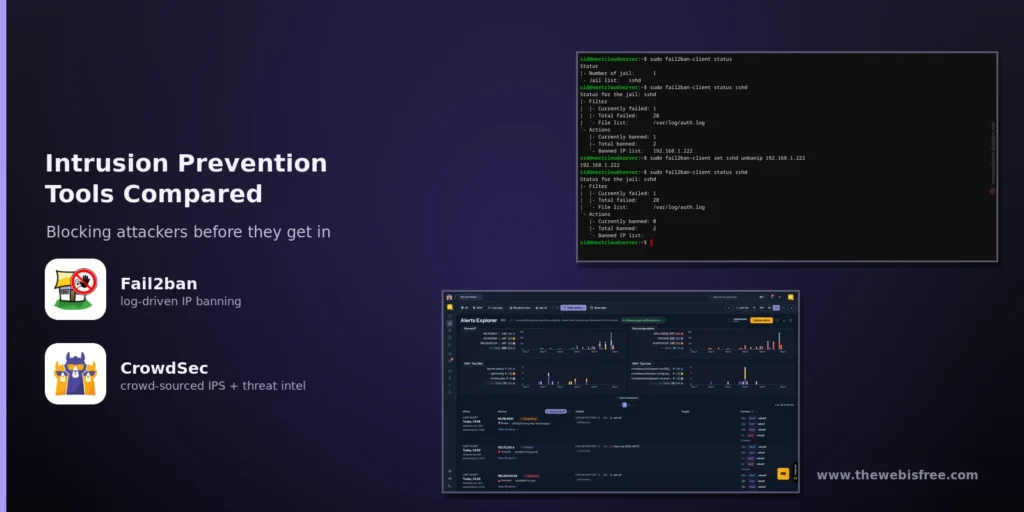
If you run a server with SSH open, a web application, or any service exposed to the internet, you have seen the log noise: thousands of failed logins, scanner probes, and credential-stuffing attempts, all automated and all constant. Two open-source tools dominate the answer to this problem — Fail2ban and CrowdSec. Both watch your logs and block misbehaving IP addresses, but they are built on very different ideas about where a ban decision should come from and how far its reach should extend. This comparison breaks down how each works, where they diverge, and which one fits your setup.
What Is Fail2ban?
Fail2ban is a Python daemon that has been the default intrusion-prevention tool on Linux servers for the better part of two decades. Its model is simple and entirely self-contained:
- Filters — regular expressions that match suspicious lines in a log file, such as repeated SSH authentication failures or a burst of 401 responses in a web log.
- Jails — a filter plus thresholds: how many matches trigger a ban, over what time window, and what action to take.
- Actions — the commands run when a jail fires, most commonly adding a firewall rule through iptables, nftables, firewalld, or ufw.
Out of the box, Fail2ban bans an offending IP for 10 minutes after 5 failed attempts inside a 10-minute window. It is released under the GNU GPL v2 (or later), ships in virtually every distribution’s repositories, and runs as a single service configured through a handful of straightforward files. Everything it knows comes from the logs of the one machine it runs on — each server keeps its own ban list, and nothing is shared between them unless you build that yourself.
What Is CrowdSec?
CrowdSec is a newer, Go-based alternative that reimagines the same job as a pipeline of small, independent components. It describes itself as an open-source IDS/IPS, WAF and bot-detection engine, and it is MIT-licensed.
- Security Engine — the log processor and local API. It reads logs, parses events, enriches them with GeoIP and ASN data, and matches behaviour against “scenarios” written in YAML.
- Remediation Components (bouncers) — separate programs that pull decisions from the local API and enforce them. Unlike Fail2ban’s firewall-only model, bouncers exist for nftables, iptables, ipset and pf, as well as for Nginx, Traefik, HAProxy, OpenResty, and Cloudflare.
- Central API and the community blocklist — the piece Fail2ban has no equivalent for. Participants share anonymised signals about attackers they observe; a consensus engine filters out false positives and redistributes a curated blocklist, so your server can block an address that has already been flagged elsewhere before it ever touches you.
- AppSec — a built-in WAF capability that inspects HTTP requests for SQL injection, cross-site scripting, and known-CVE exploitation.
The default CrowdSec ban lasts 4 hours, and a single engine can feed many bouncers spread across your infrastructure — detect on one host, remediate on several others.
Fail2ban vs CrowdSec at a Glance
| Fail2ban | CrowdSec | |
|---|---|---|
| Language | Python | Go |
| Licence | GPL v2 or later | MIT |
| Detection | Regex filters over log lines | Parsers and behaviour scenarios, plus optional HTTP inspection via AppSec |
| Enforcement | Built in — iptables, nftables, firewalld, ufw | Separate bouncers — firewall, web server, reverse proxy, or CDN |
| Default ban length | 10 minutes | 4 hours |
| Shared intelligence | None built in | Community blocklist (opt-out) |
| Components to run | One service | Engine plus one or more bouncers |
Where They Differ Most
1. Local knowledge vs the crowd
Fail2ban only ever reacts to what it sees on its own host. If an attacker is spreading a slow, low-volume brute-force attack across dozens of source IPs, or has already been banned on a thousand other servers, every Fail2ban instance starts from zero. CrowdSec flips this: by sharing anonymised signals, it can block an IP that the wider community has already identified, often before that IP has tried anything against you. It is the single biggest conceptual difference between the two tools.
2. Firewall-only vs anywhere you can put a bouncer
Fail2ban’s natural enforcement point is the host firewall. That is fine for SSH, databases, and mail servers, but it breaks down behind a CDN or reverse proxy, where the server may only see the proxy’s address. CrowdSec’s bouncer architecture lets you push decisions to the layer that actually sees the real client address — the web server, the reverse proxy, or Cloudflare’s edge, where traffic is filtered before it consumes your bandwidth. Some bouncers can also serve a CAPTCHA instead of a hard block, which reduces collateral damage for e-commerce or logged-in services.
3. Simplicity vs flexibility
Fail2ban is one service and a set of plain configuration files; a competent sysadmin can have an SSH jail running in a few minutes. CrowdSec’s pipeline is more powerful but also more to learn — and a common first mistake is installing the Security Engine without registering any bouncer, which produces alerts while blocking nothing at all. If you want a tool you configure once and forget, Fail2ban’s simplicity is a feature.
4. Enforcement mechanism at scale
Fail2ban traditionally adds a firewall rule per banned address, which can become unwieldy when thousands of IPs are blocked. CrowdSec leans on IP sets and nftables sets that handle large lists far more efficiently, which matters on a busy public-facing host.
Which Should You Choose?
- Choose Fail2ban if you run one or two servers, want nothing to leave the machine, value a battle-tested tool that is already in your distribution’s repositories, and are comfortable hand-writing jails.
- Choose CrowdSec if you run public web applications, manage several hosts that should share decisions, want to block at the HTTP or CDN layer, or want proactive protection from a shared threat-intelligence blocklist.
- Or run both — they do not conflict. A common pattern is Fail2ban for SSH plus CrowdSec for web-facing services, each watching its own logs.
One caveat to weigh before installing CrowdSec: it shares anonymised attack signals by default, and while you can switch that off, non-contributing free users receive a smaller community blocklist. If absolute data sovereignty is your priority, Fail2ban sends nothing anywhere unless you explicitly configure it to.
Wrapping Up
Fail2ban and CrowdSec tackle the same problem from opposite ends. Fail2ban is a small, local, single-purpose daemon that has quietly protected Linux servers for two decades. CrowdSec is a distributed framework that trades a little simplicity for community intelligence, layered enforcement, and an application-level WAF. Neither is objectively “better” — the right pick depends on how many machines you defend, where your traffic actually terminates, and how much you value shared threat data.
Fail2ban is listed in our directory — see the Fail2ban listing for a quick overview. You can browse the full directory of free and open source tools for more security and self-hosting options, and if you know a tool we are missing, submit it here.